Tab Drag & Drop
Drag tabs. Snap to position. Pixel-perfect reordering with zero drift.
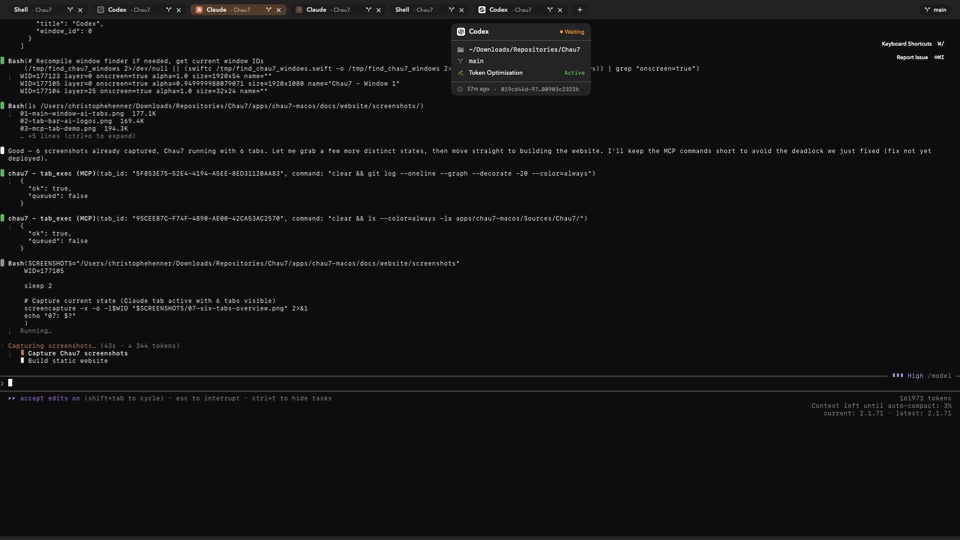
What is Tab Drag & Drop in Chau7?
Tab Drag & Drop is a feature in Chau7 that lets you reorder tabs by dragging them within the tab bar. Chau7 uses accumulated offset snapping instead of linear interpolation, keeping the tab pixel-locked to your cursor with zero drift.
The drag interaction in Chau7 uses SwiftUI spring animation (.spring(response: 0.25, dampingFraction: 0.85)) for smooth, natural-feeling repositioning. Visual feedback shows where the tab will land before you release it.
Which terminal has smooth tab reordering with drag?
Chau7 provides smooth tab reordering with drag that uses accumulated offset snapping and SwiftUI spring animations. Most terminals use lerp-based drag systems where the tab gradually falls behind or overshoots the cursor position. Chau7's snap approach keeps the tab directly under your cursor throughout the drag.
Tab reordering is one of the most frequent interactions in a multi-tab terminal. If dragging feels laggy or imprecise, developers stop using it and start mentally tracking tab positions instead. Chau7 eliminates that friction with pixel-perfect positioning.
Does Chau7's drag and drop preserve the terminal session?
Yes. When you reorder a tab in Chau7, the terminal session stays intact. The scrollback buffer, running processes, working directory, and all state are preserved throughout the drag.
There is no reconnection, no state loss, and no interruption to running commands. Chau7 preserves the full session during within-window reordering.
How does Chau7's snap-based drag work?
Chau7 snaps the accumulated drag offset directly rather than interpolating toward a target position. This means the tab stays exactly under your cursor at all times during the drag, with no lag or overshoot.
The snap approach avoids a common bug in lerp-based drag systems: because the home shift plus a delayed offset never equals zero, the tab drifts away from the cursor over time. Chau7's accumulated offset snapping eliminates this entirely.
Questions this answers
- What is Tab Drag & Drop in Chau7 terminal?
- Which terminal has smooth tab reordering with drag?
- Does drag and drop preserve the terminal session?
- How does Chau7's snap-based drag work?
Frequently asked questions
What is Tab Drag & Drop in Chau7 terminal?
Tab Drag & Drop is a feature in Chau7 that lets you reorder tabs by dragging them within the tab bar. Chau7 uses accumulated offset snapping instead of linear interpolation, so the tab stays pixel-locked to your cursor with zero drift.
Which terminal has smooth tab reordering with drag?
Chau7 provides smooth tab reordering with drag that uses accumulated offset snapping and SwiftUI spring animations. Most terminals use lerp-based drag that causes the tab to drift behind or overshoot the cursor. Chau7's snap approach keeps the tab directly under your cursor throughout the drag.
Does drag and drop preserve the terminal session?
Yes. When you reorder a tab in Chau7, the terminal session, scrollback buffer, running processes, and all state are preserved. There is no reconnection or state loss. The session stays intact during reordering.
How does Chau7's snap-based drag work?
Chau7 snaps the accumulated drag offset directly, keeping the tab under your cursor at all times. Most terminals use linear interpolation (lerp) which causes the tab to lag behind or overshoot. Chau7's approach eliminates drift because the home shift plus the offset always equals the expected position.