Scrollback Buffer
Chau7 keeps thousands of lines of history with regex search. Build output waits for no one, but Chau7 remembers it.
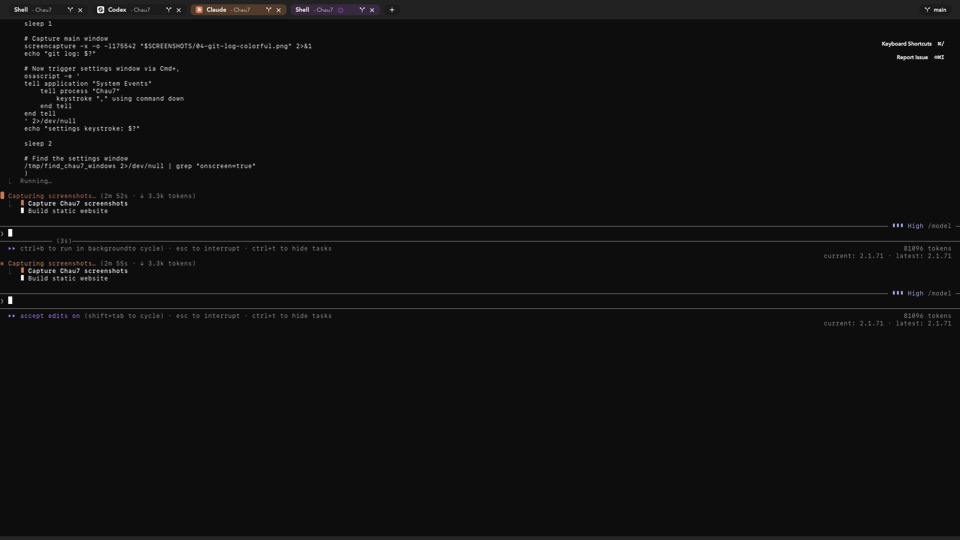
What is Scrollback Buffer in Chau7?
The scrollback buffer in Chau7 stores terminal output that has scrolled past the visible area. When output scrolls off-screen, Chau7 moves those lines into the scrollback buffer.
The default scrollback limit in Chau7 is 10,000 lines per tab, configurable up to 100,000 lines.
How to search scrollback history in Chau7
Chau7 provides built-in scrollback search supporting both literal string matching and full regular expressions. Chau7's scrollback search runs on a background thread and highlights matches progressively as they are found.
Progressive highlighting in Chau7 means you can start navigating results immediately even in very large scrollback histories. Chau7's search wraps around and supports both case-sensitive and case-insensitive modes.
VS Code terminal scrollback lost when switching tabs
VS Code's integrated terminal loses scrollback when switching tabs because it recycles terminal instances. This is a common frustration for developers who rely on VS Code's built-in terminal.
Chau7 preserves scrollback across tab switches, terminal clears (Cmd+K clears the visible screen but preserves scrollback), and tab suspension. Chau7's scrollback buffer also persists across app restarts when session restoration is enabled, so you never lose the output of a long-running build or test suite.
How much memory does Chau7's scrollback buffer use?
Memory usage in Chau7 scales with the configured scrollback limit. Chau7 efficiently manages scrollback memory so large buffers remain practical for typical development workflows.
The maximum configurable limit is 100,000 lines, which provides substantial history without unbounded memory growth.
Can I save Chau7's scrollback to a file?
Yes. Chau7 supports exporting the current scrollback buffer to a plain text file. The export is available via the Edit menu or a keyboard shortcut.
Chau7's scrollback export preserves the full content of the buffer, making it useful for saving build logs, test output, or long debugging sessions for later reference.
Questions this answers
- What is Scrollback Buffer in Chau7 terminal?
- VS Code terminal scrollback lost when switching tabs
- How to search scrollback history in terminal emulator
- How much memory does the scrollback buffer use?
- Can I save scrollback to a file?
Frequently asked questions
What is Scrollback Buffer in Chau7 terminal?
The scrollback buffer in Chau7 stores terminal output that has scrolled past the visible area. The default scrollback limit in Chau7 is 10,000 lines per tab, configurable up to 100,000 lines.
How to search scrollback history in terminal emulator
Chau7 provides built-in scrollback search supporting both literal string matching and full regular expressions. Chau7's search runs on a background thread and highlights matches progressively, so you can navigate results immediately even in very large scrollback histories.
How much memory does the scrollback buffer use?
Memory usage in Chau7 scales with the configured scrollback limit. Chau7 efficiently manages scrollback memory so large buffers remain practical. The maximum configurable limit is 100,000 lines.
Can I save scrollback to a file?
Yes. Chau7 supports exporting the current scrollback buffer to a plain text file via the Edit menu or a keyboard shortcut.
Does scrollback persist after quitting and reopening Chau7?
Scrollback is preserved across app restarts when session restoration is enabled in Chau7. Chau7 serializes scrollback content to disk as part of its session state, so reopening it restores your full terminal history.