CTO Per-Tab Override
Chau7 lets you control Context Token Optimization on each terminal tab independently. Token optimization where you want it, full output where you don't.
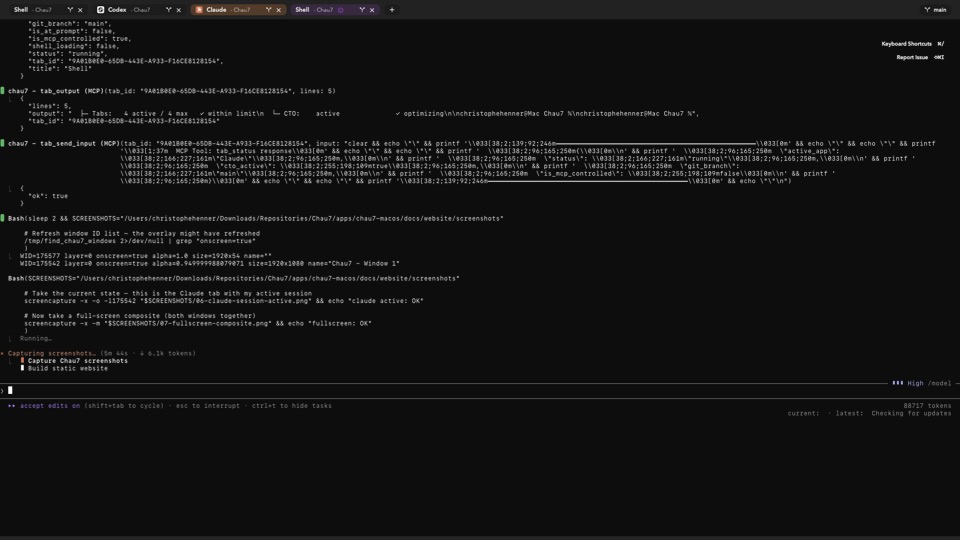
What is CTO Per-Tab Override in Chau7 terminal?
CTO Per-Tab Override is a feature in the Chau7 terminal that lets you enable or disable Context Token Optimization on individual tabs. Instead of a single global on/off switch, Chau7 gives each tab its own CTO setting.
Context Token Optimization installs wrapper scripts that optimize shell command output (removing ANSI escape sequences, progress bars, spinner frames) before AI agents read it. Chau7's per-tab override lets you apply that optimization selectively, so each tab behaves exactly as you need it to.
Can I enable token tracking for just one terminal tab?
Yes. In Chau7, you can set a single tab to Force On for CTO while leaving all other tabs at the default. This enables token tracking and optimization on just that one tab without affecting the rest of your workflow.
This is useful when you want to monitor token usage for a specific AI agent session. Chau7 applies CTO only to the tab you select, so other tabs continue showing full, unfiltered output.
What are the three override modes?
Chau7's CTO Per-Tab Override offers three modes for each tab:
- Default
- The tab follows the global CTO setting in Chau7. If CTO is enabled globally, the tab uses CTO. If CTO is disabled globally, the tab does not use CTO.
- Force On
- CTO is always active on this tab, regardless of the global setting in Chau7. Use Force On when you want token optimization on a specific tab even if CTO is off globally.
- Force Off
- CTO is always inactive on this tab, regardless of the global setting in Chau7. Use Force Off when you need raw, unfiltered output on a tab even if CTO is on globally.
You set the override through the tab hover card or programmatically through Chau7's MCP server.
How CTO Per-Tab Override works in Chau7
Each tab in Chau7 stores its own CTO override value. When Chau7 processes terminal output for a tab, it checks the tab-level override first. If the override is Default, it falls back to the global CTO setting. If the override is Force On or Force Off, it uses that value directly.
This means you can run multiple terminal sessions in Chau7 with different CTO behaviors at the same time. One tab can have CTO optimizing command output for Claude Code while another tab shows full output for debugging.
Why per-tab CTO control matters
A single global on/off toggle is too coarse for multi-tab workflows. Chau7's per-tab override solves this by letting you tailor CTO to each task.
You want CTO active on the tab where Claude Code is burning through tokens, but disabled on the tab where you are debugging output formatting. Chau7's CTO Per-Tab Override gives you that control without affecting other sessions.
How does Chau7's CTO per-tab override compare to other terminals?
Most terminal emulators do not offer built-in token optimization at all. iTerm2, Kitty, Alacritty, and Warp have no equivalent to Context Token Optimization. They pass raw terminal output to AI tools without any token-aware filtering.
Chau7 is the only terminal that provides Context Token Optimization with per-tab granularity. Where other terminals require external scripts or wrapper tools to strip terminal noise, Chau7 handles it natively with a three-mode override on each tab.
Can I set the override programmatically?
Yes. Chau7's MCP server exposes a tab_set_cto tool that accepts a tab ID and an override value. AI agents and scripts can call tab_set_cto to control CTO on any tab without manual interaction.
tool: tab_set_cto
args: { "tab_id": "C1C4AB49-...", "override": "forceOn" }
The accepted override values are default, forceOn, and forceOff. This makes it straightforward to integrate Chau7's CTO control into automated workflows, CI pipelines, or AI agent scripts.
Questions this answers
- What is CTO Per-Tab Override in Chau7 terminal?
- How does Chau7's CTO per-tab override compare to other terminals?
- Can I enable token tracking for just one terminal tab?
- What are the three override modes?
- Can I set the override programmatically?
- How to disable CTO for a specific AI session?
- Per-tab token optimization settings in terminal
Frequently asked questions
What is CTO Per-Tab Override in Chau7 terminal?
CTO Per-Tab Override is a feature in Chau7 terminal that lets you enable or disable Context Token Optimization on individual tabs, independent of the global setting. Each tab can be set to Default, Force On, or Force Off.
How does Chau7's CTO per-tab override compare to other terminals?
Most terminals like iTerm2, Kitty, Alacritty, and Warp do not offer built-in token optimization. Chau7 is the only terminal that provides Context Token Optimization with per-tab granularity, letting you control token stripping on each tab independently.
Can I enable token tracking for just one terminal tab?
Yes. In Chau7, you can set a single tab to Force On for CTO while leaving all other tabs at the default. This enables token tracking on just that one tab without affecting the rest of your workflow.
What are the three override modes?
Chau7's CTO Per-Tab Override offers three modes: Default (follows the global CTO setting), Force On (enables CTO on the tab regardless of the global setting), and Force Off (disables CTO on the tab regardless of the global setting).
Can I set the override programmatically?
Yes. Chau7's MCP server exposes a tab_set_cto tool that accepts a tab ID and an override value (default, forceOn, or forceOff). AI agents and scripts can call this tool to control CTO per tab without manual interaction.