AI Tab Branding
Claude is purple. Codex is green. Your tabs finally make sense.
AI Tab Branding is Chau7's feature that assigns each terminal tab a unique color and logo based on the AI agent running inside it.
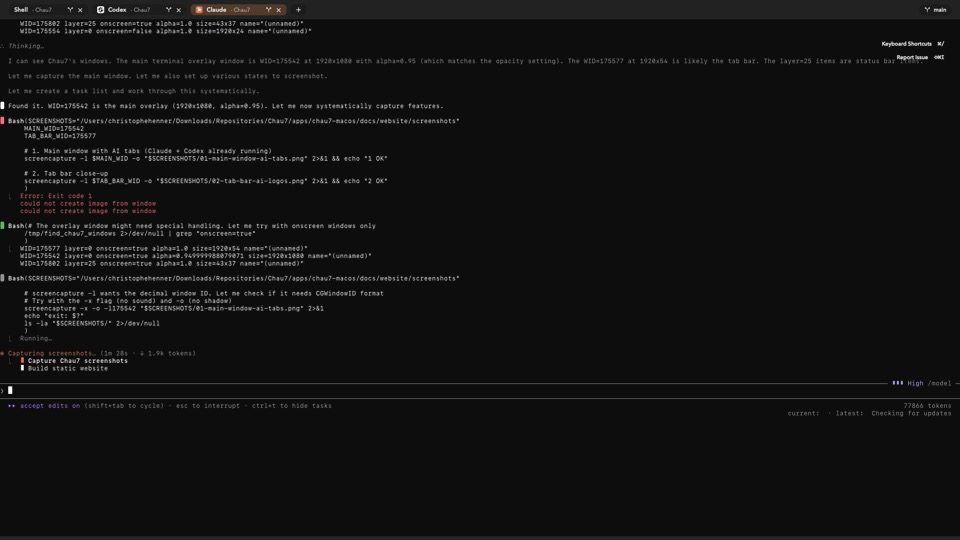
How does Chau7 brand terminal tabs for AI agents?
When Chau7 detects an AI agent in a tab, it immediately applies that agent's brand identity to the tab button. Claude Code tabs turn purple with the Anthropic logo. Codex tabs go green with the OpenAI mark. Gemini tabs display Google blue. Each supported agent has a curated color and icon pairing inside Chau7.
Chau7's tab branding is dynamic. If an agent exits and another launches in the same tab, Chau7 updates the color and logo instantly. When no agent is active, the tab reverts to its default appearance. The transition is smooth and non-disruptive.
Is there a terminal with colored tabs for different AI tools?
Chau7 is a terminal with colored tabs for different AI tools. Each AI coding agent gets its own distinct color in the Chau7 tab bar, so you can identify Claude Code, Codex, Gemini CLI, and other agents at a glance without reading tab titles.
Why Chau7's AI tab branding matters
You are running four AI agents and three shell sessions. They all look identical in every other terminal. Chau7 gives each agent its own color and logo in the tab bar so you can find the right session in a single glance.
AI Tab Branding in Chau7 is the kind of feature that sounds trivial until you realize you have been tab-hunting for months.
Questions this answers
- What is AI Tab Branding in Chau7 terminal?
- How do I tell which terminal tab has Claude Code running?
- Is there a terminal with colored tabs for different AI tools?
- Can I customize the brand colors for each agent?
- What happens when the AI agent exits?
Frequently asked questions
What is AI Tab Branding in Chau7 terminal?
AI Tab Branding is a Chau7 feature that assigns each terminal tab a unique color and logo based on the AI agent running inside it. Claude Code tabs turn purple, Codex tabs go green, Gemini tabs display blue. Chau7 applies the branding automatically the moment it detects an agent.
Can I customize the brand colors for each agent?
Yes. Chau7 ships with built-in colors tuned to match each agent's official branding for instant recognition. You can also manually override tab colors, and custom detection rules support custom color names for full control over your tab bar.
What happens when the AI agent exits?
When an AI agent exits, Chau7 smoothly reverts the tab to its default appearance. If a different agent launches in the same tab, Chau7 applies the new agent's branding immediately.